
new products


Latest News
-
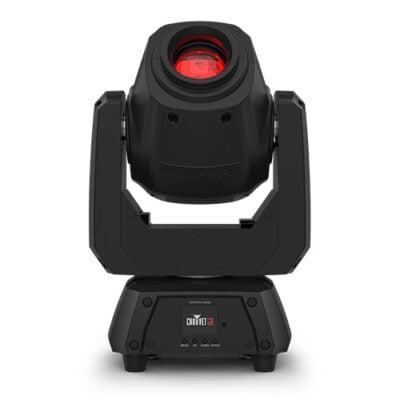 28 Feb, 2023The Chauvet DJ Intimidator Spot 260X is a powerful moving head light that is sure to make any event stand out. This light is a great addition to any light show, as it offers a variety of features and options that can help you create a professional light show. From its crisp, bright output to its precise movements, the Intimidator Spot 260X is a great choice for any DJ looking to add some extra pizzazz to their show. The price point is very friendly for most mobile DJ’s and event producers. The Intimidator Spot 260X is a moving head light with a 75-watt white LED light engine. The light
 -
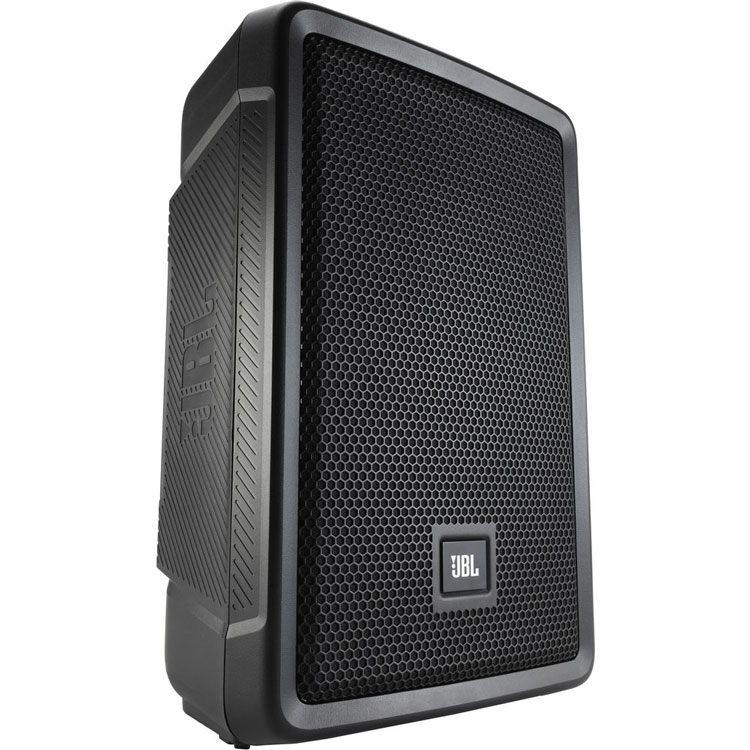
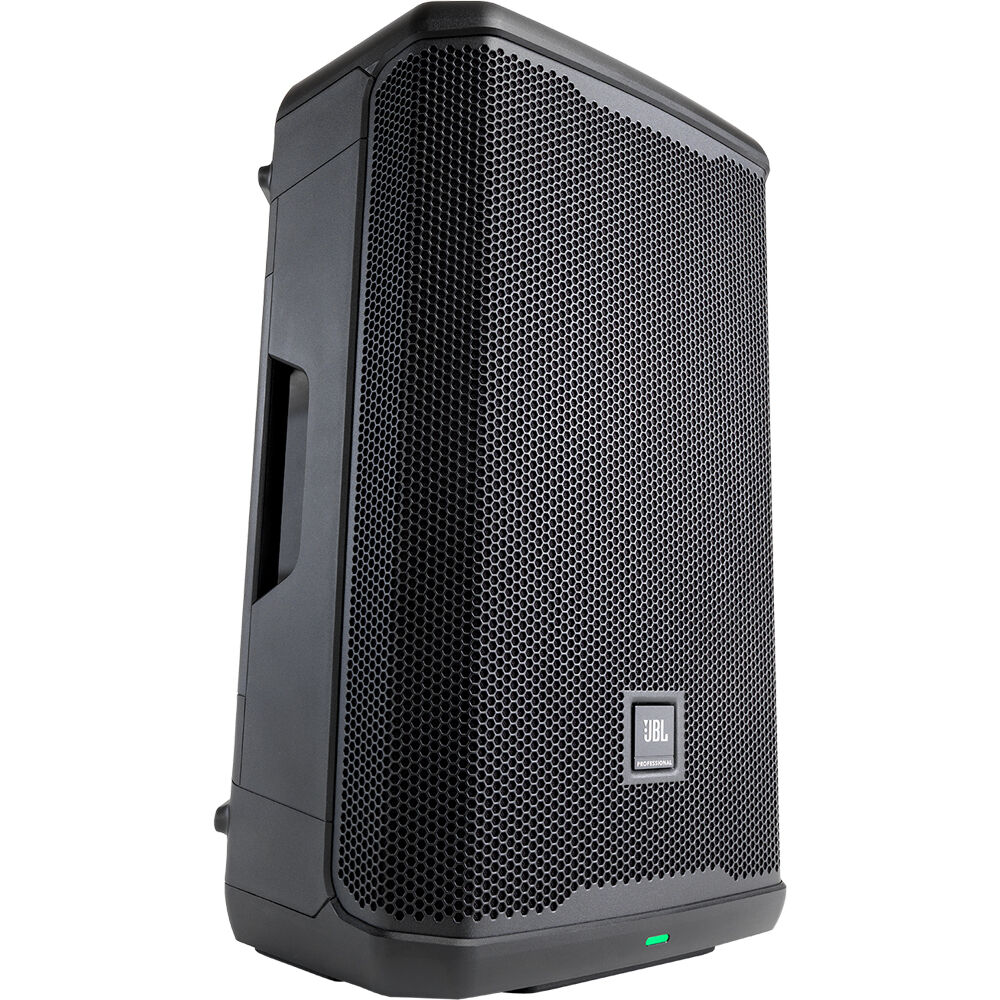
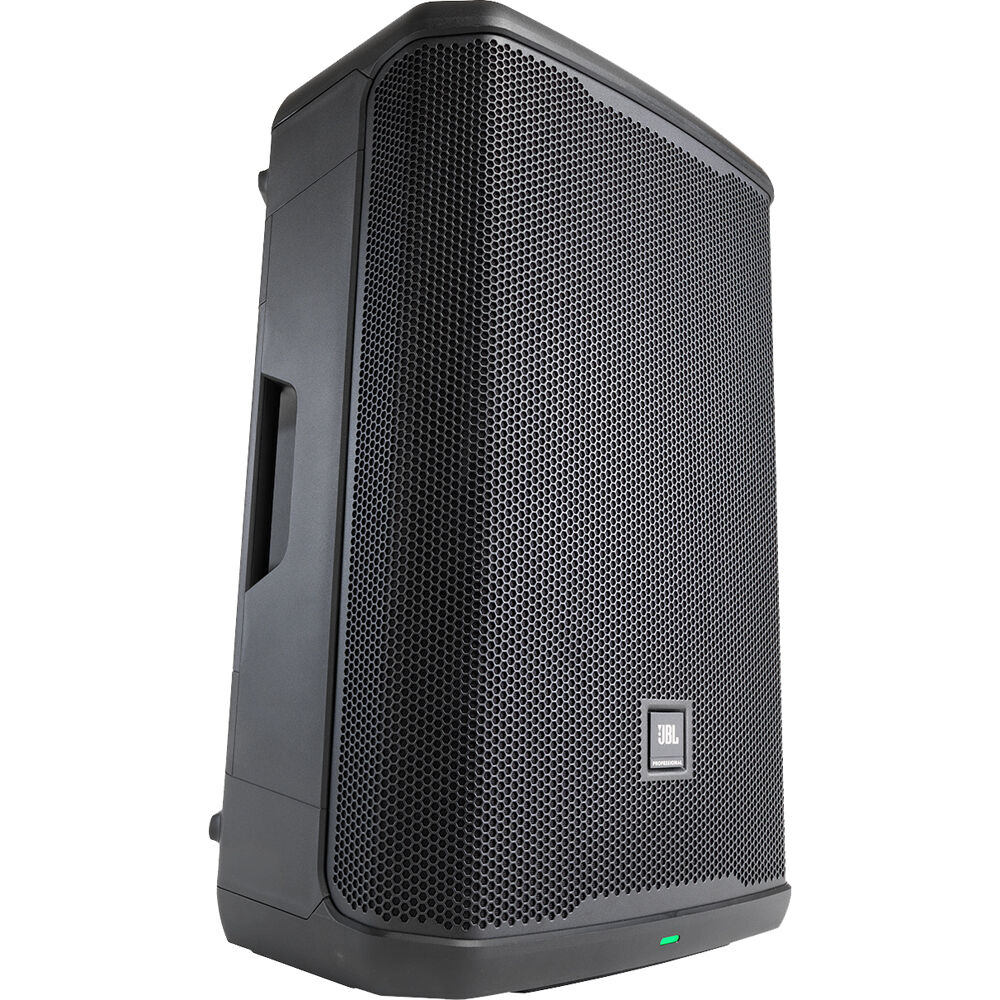
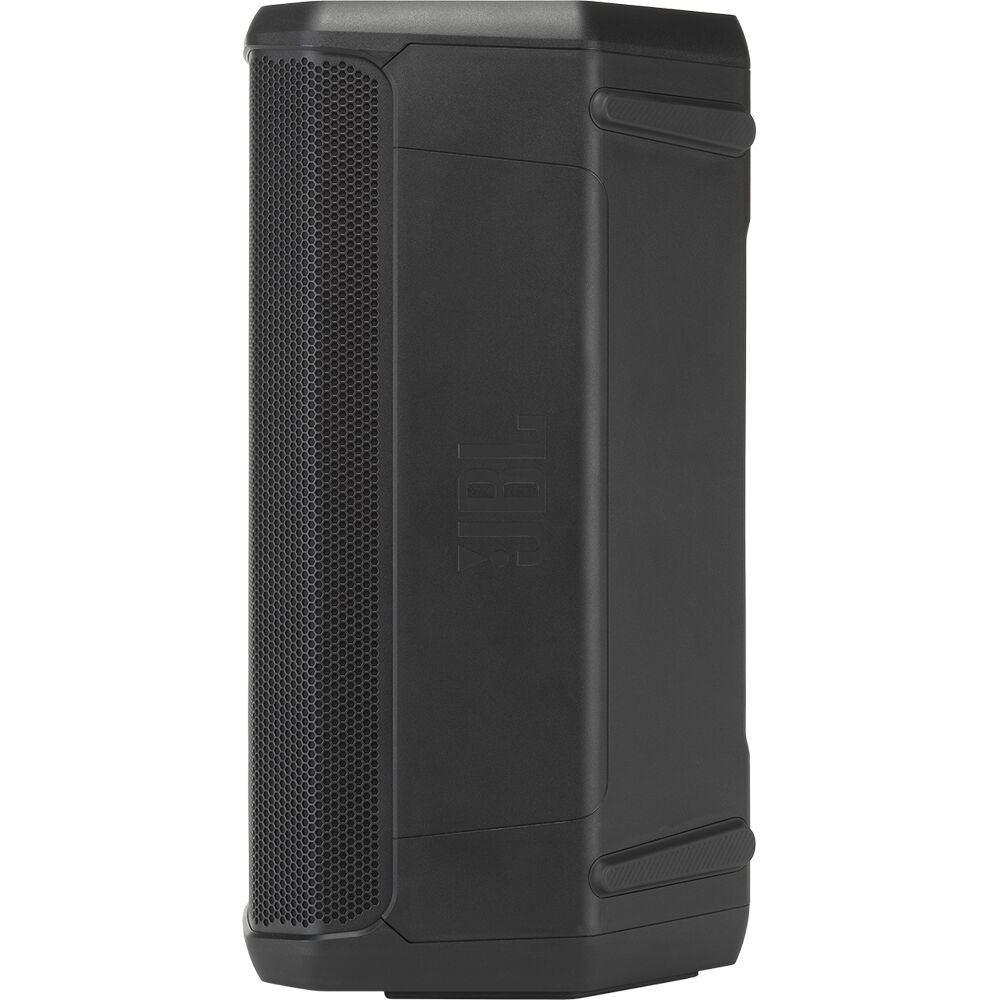
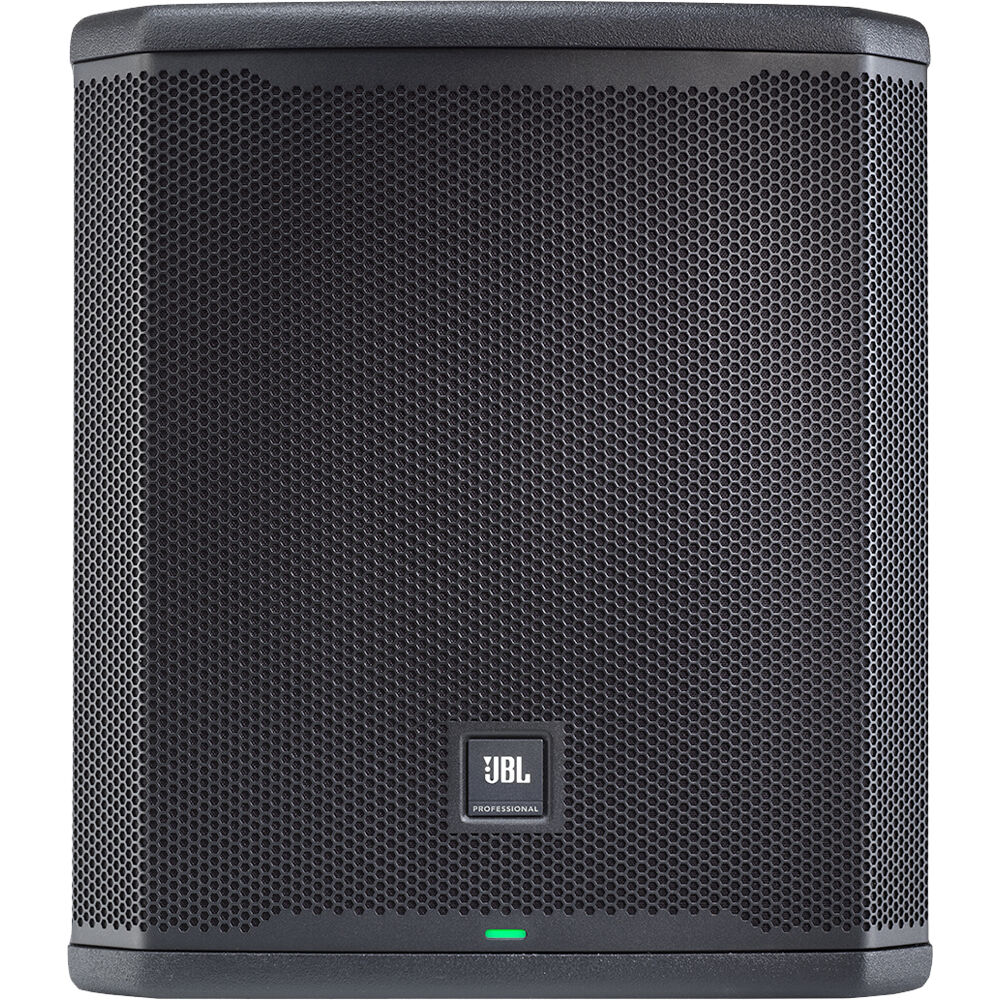
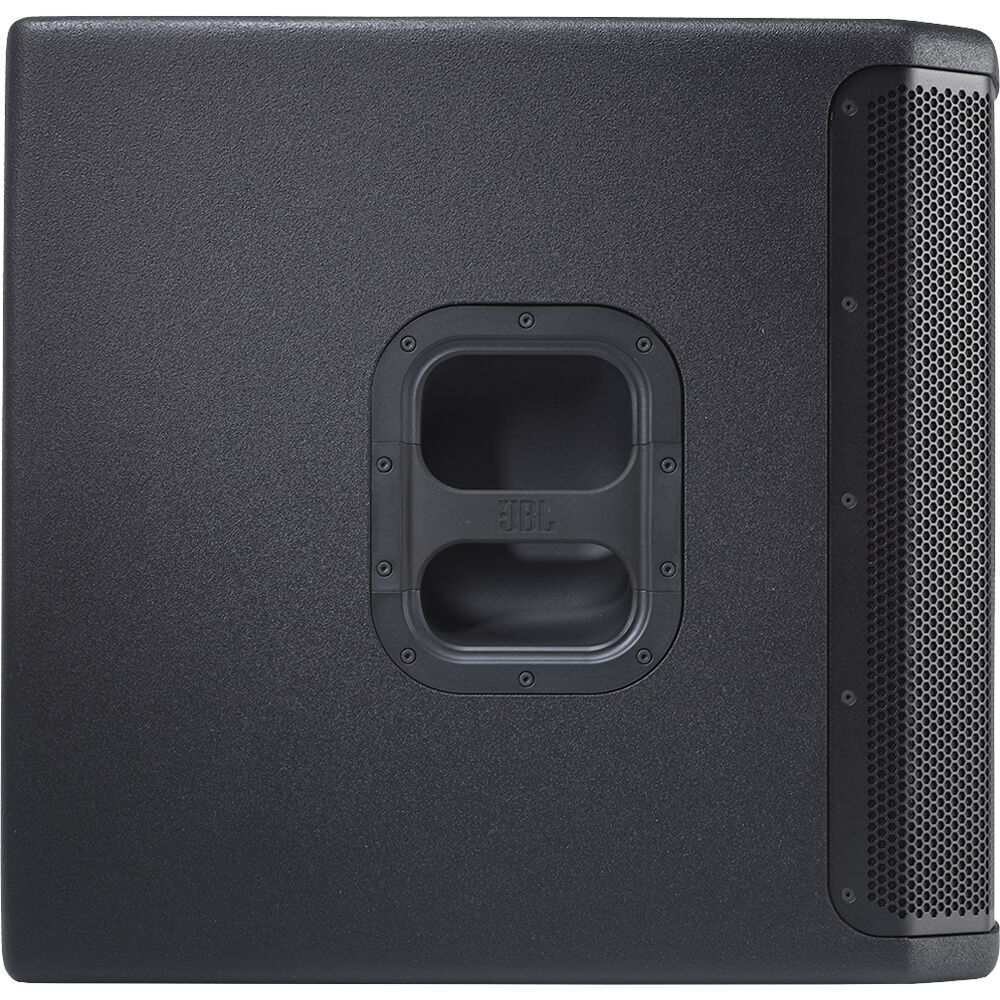
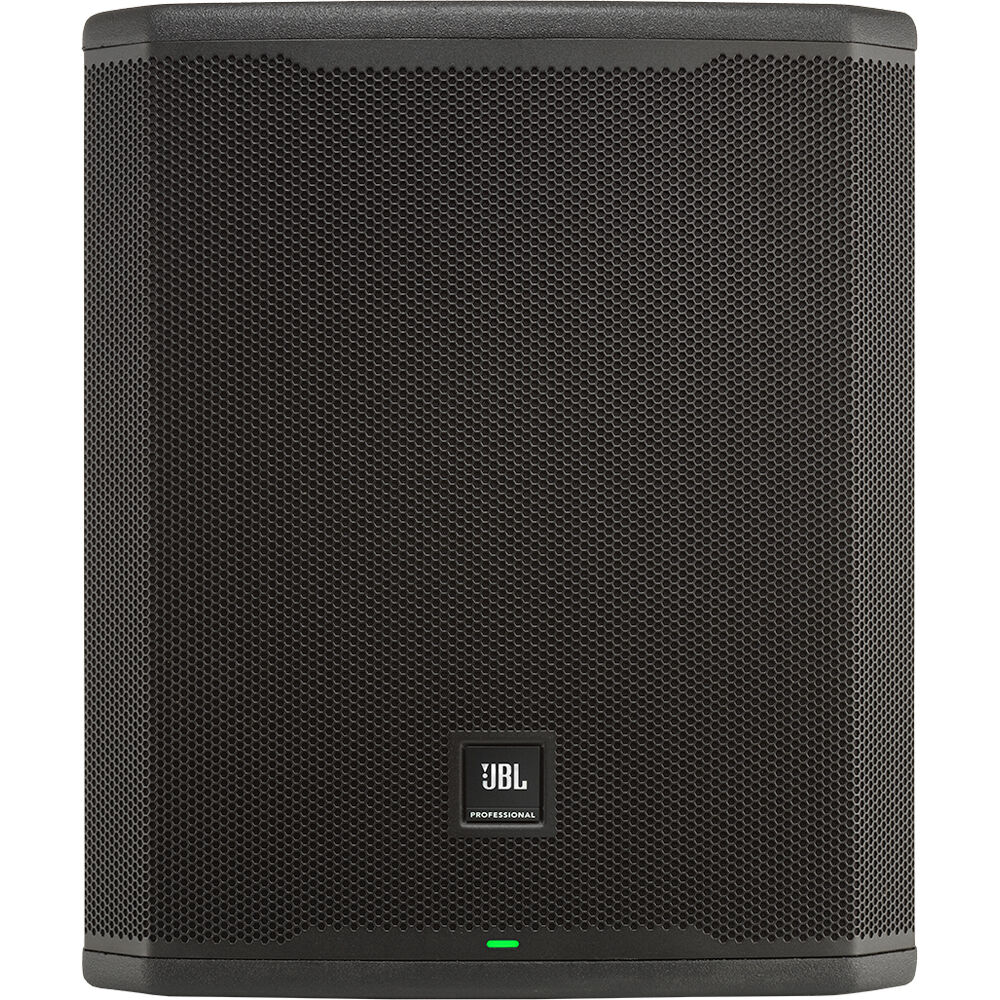
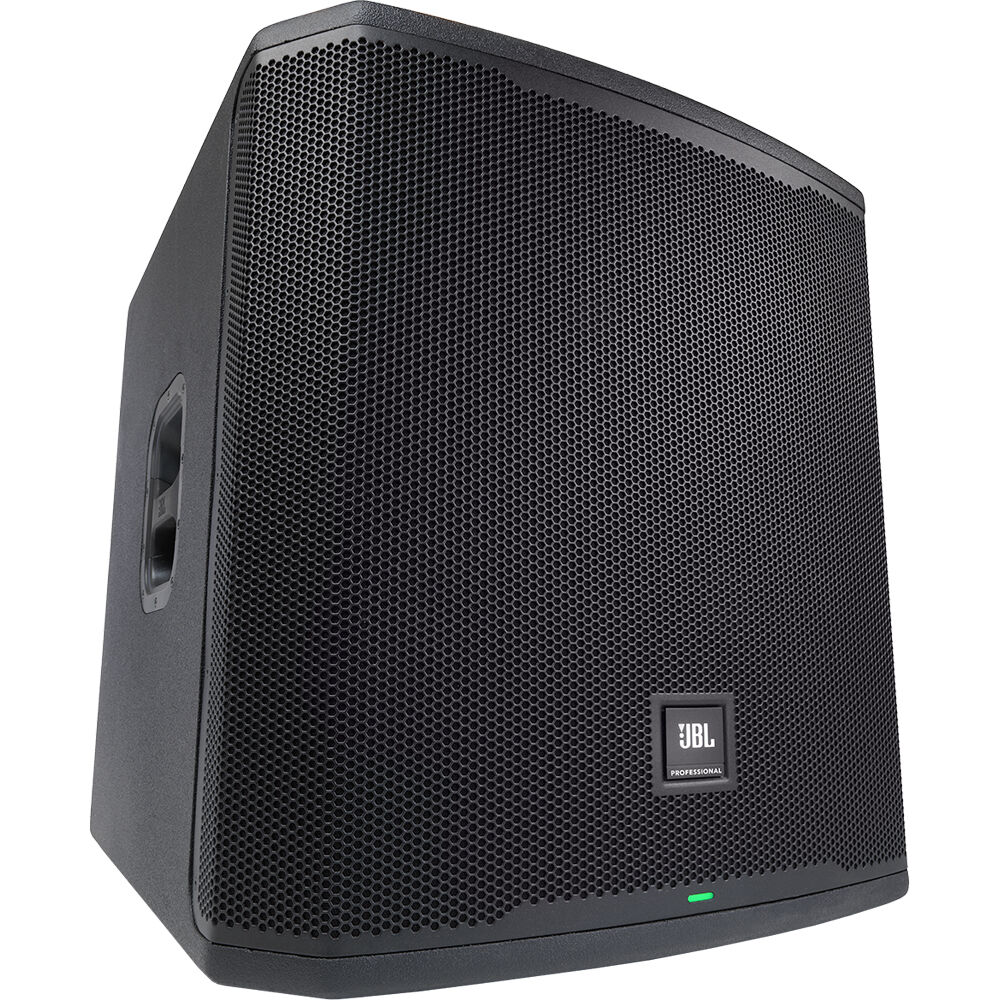
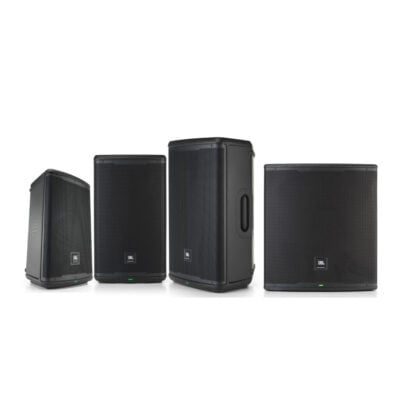 26 Jan, 2023JBL is a well-known brand in the DJ and Professional Audio industry and their EON 700 series speakers live up to expectations. These speakers are designed for professional use in live sound, theater, dj, and conference applications. The EON 700 series includes four models: the EON 715, EON 712, EON710, and EON 718s. Each model offers a unique set of features and specifications that make them suitable for different types of events and venues. The EON 715 is the flagship model of the series, offering a powerful and balanced sound. It has a 15-inch woofer and a 1.5-inch compression driver that
 -
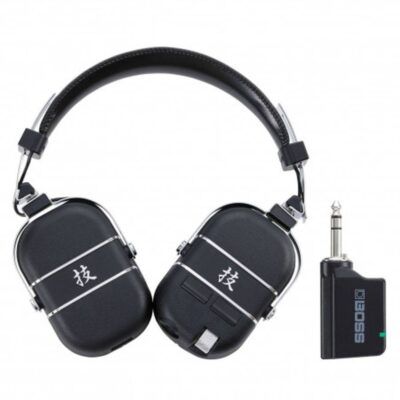 08 Dec, 2020With so many people stuck at home right now, it's probably a challenge to get your practice in. I can imagine people being driven crazy by the practice required to become a skilled guitarist. Headphones are probably your best option, but regular headphones don't really cut it for most
 -
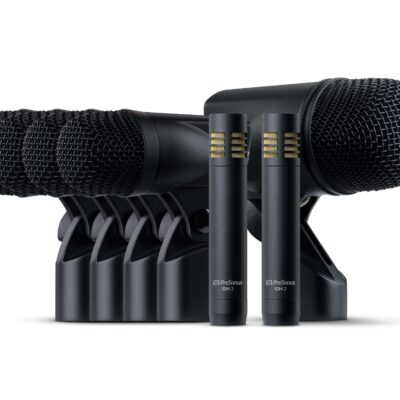 27 Oct, 2020Have you ever gone searching for a drum mic set and said to yourself “Wow, everything is so expensive?”. They are tons of drum mic sets out there that will cost you a grip. Presonus said hey, wait a minute, we can make a quality drum mic set AND make it affordable. That’s what the DM-7 is all about. Affordable and quality. Let’s start with what’s included” (1) BD-1 cardioid dynamic microphone for kick drums and bass amps (4) ST-4 cardioid dynamic microphones with an adjustable rim-mounts for toms, snare, guitar amps, and more (2) OH-2 cardioid